

Hierarchical Checkboxes for Contact Form 7 WordPress Plugin
After looking around for a hierarchical selection field in Contact Form 7 with no luck, we have decided to create our own plugin to help out other developers with a similar problem.
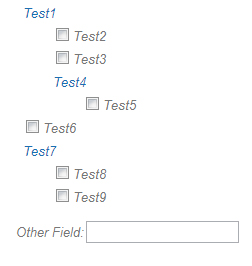
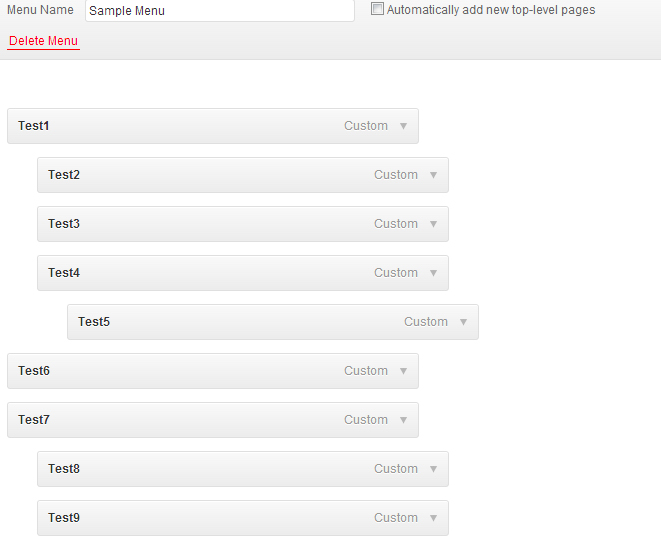
This plugin allows a hierarchical list of check boxes, controlled via the WordPress menus, to be placed into a Contact Form 7 form.
To use, simply:
- Install the Hierarchical Checkboxes plugin,
- Create a menu through the WordPress interface (eg. My Menu).
- Reference the menu through the hierarchical checkboxes shortcode via the ‘WordPress menu slug’ option when you create your form.
The ‘Other field’ allows the users to enter a custom selection not in the menu created in the WordPress menu interface.
Click here to download the plugin
Screenshots