

We help businesses stand out, so they significantly increase their chance of converting more leads

CRM Integration Services Melbourne
CRM integration for faster follow-ups
CRM integration helps your website connect with the customer systems your team relies on every day. When enquiries, form submissions, bookings, downloads and customer actions move cleanly into your CRM, your team can spend less time copying information and more time following up.
At Chromatix, we plan CRM integration around real business workflows. We look at your website forms, lead sources, contact fields, sales stages, notification rules, reporting needs, and the points where customer data currently gets lost, delayed or duplicated.
For some businesses, that means connecting a WordPress, Shopify, WooCommerce or custom website with HubSpot, Salesforce, Zoho, Pipedrive or another CRM. For others, it means building custom API connections, lead routing, automated follow-up, dashboard reporting or CRM-connected landing pages. The outcome is CRM integration that helps your website capture, organise and hand off customer data with less friction. Let’s connect your website and CRM so leads move faster, data stays cleaner and follow-up feels easier.
CRM INTEGRATION results From Clients
With over 166+ 5 star Google reviews & proven results since 2009

You were able to tell us multiple ideas straight away that helped us go from good to great, and you worked seamlessly with our team. Chromatix really understood our customers and our brand. Working with you was brilliant!
Mark Butler - Waterman Business Centres

Chromatix taught me the true power of mastering attention to increase our chance of winning tenders. I now know it 100% works because of the feedback we’ve received from clients and the industry. As business owners, we’re always conscious of what things cost. The question I asked myself was, what’s the true cost of not improving my website?
Robert Krastich - Sharper

You’ve taken tech and made it so simple for us to understand. It’s been the perfect synergy of Chromatix understanding our complex needs and delivering with absolute perfection and professionalism!
Jacques Calais - Adventist Schools Australia

Our website conversion was decent before, but we’ve now even increased it by 50%! Our page speeds are also 7X faster, which helps our SEO. What we’re also seeing now is higher-quality leads. We’ve also improved our recruitment as the website better represents who we truly are. We are super proud of the website.
Luke, Tyler, Ashley & Steve - Shore Hire

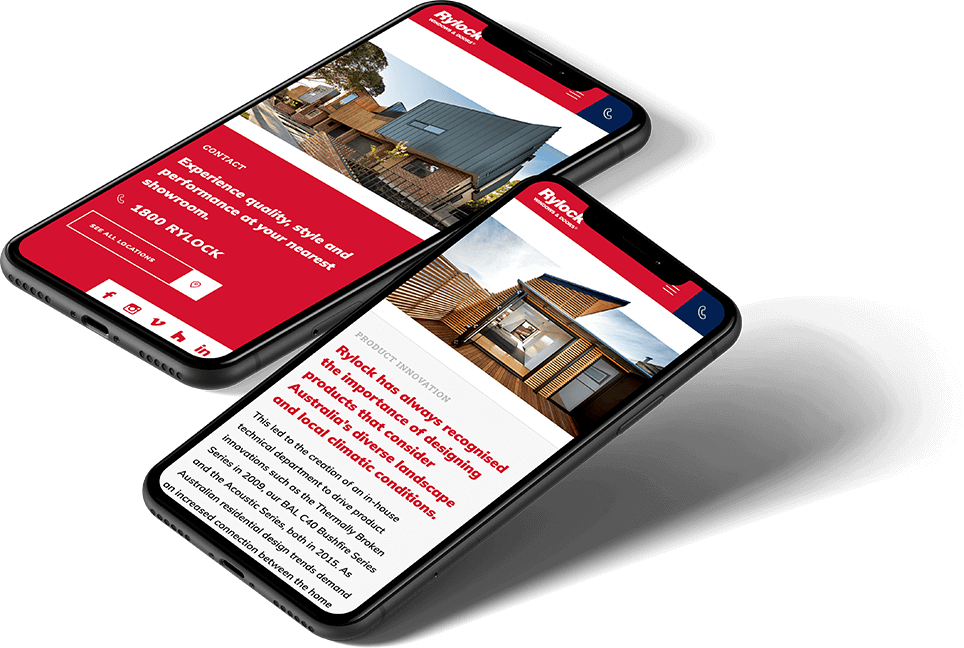
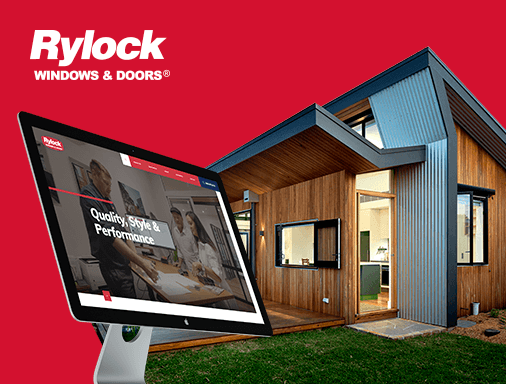
Our website is our greatest marketing asset. It was important that we had a trusted partner like Chromatix to assist us in delivering a growth strategy. We’ve now seen a 3x increase in traffic, an increase in user time on page & as a result, an increase in conversions & sales. We can certainly say hand on heart that our new website with Chromatix was pivotal to our recent growth!
Emma Truong - Rylock Windows & Doors

Chromatix saved us $15,000-$20,000 a year on wasted marketing spend & we also had an increase in the number of calls and enquiries just from the launch of the new website.
Steph & Alex - Resi Body Corporate

CRM Integration Strategy & Methods
CRM integration for real sales workflows
The best CRM integrations start with how your team handles customer interests. Before development begins, we look at where leads come from, what information your team needs, who should receive each enquiry and how follow-up should happen.
That matters because CRM integration is not just a technical connection. A form can technically send data into a CRM and still create messy records, missed context, poor ownership, duplicated contacts or reports that do not help anyone make better decisions.
Our method brings together website development, API planning, UX, forms, automation, analytics and sales workflow thinking. We shape CRM integration around cleaner lead capture, faster handoff, better customer records, clearer reporting and follow-up pathways that help your team act with more confidence.
CRM Integration Development
CRM integration for reliable flows
CRM integration needs careful technical planning because small data issues can create big sales and reporting problems. Your website should connect with your CRM in a way that protects lead accuracy, follow-up speed, customer visibility and long-term flexibility. We build CRM integrations with practical workflows, API planning, error handling and testing in mind.
API connections with clear purpose
APIs help your website and CRM exchange the right information. We plan API connections around the data that needs to move and the outcome your team needs.
Website form integration
Website forms are often the starting point for CRM connection. We integrate contact forms, quote forms, booking forms, downloads and multi-step forms with CRM fields and workflows.
Custom workflow logic
Not every lead should be handled the same way. We can support conditional logic, lead type rules, automated assignments, lifecycle stages, notification triggers and follow-up sequences.
5-star testing before launch
CRM integrations need careful QA before real leads depend on them. We test form submissions, field mapping, routing, notifications, tracking, duplicate handling and CRM record creation before launch.
Error handling & visibility
Your team should know when something goes wrong. We consider failed submissions, API errors, missing required fields, sync issues and alert pathways so problems are easier to catch.
Work with the development team from day one
No technical fog. You work with the people thinking through the build, so every CRM integration decision is clearer, more practical and better aligned with lead flow, data quality, reporting and long-term control.
Web Design & conversion Highlights
Websites that
build trust instantly















CRM Integration FAQS
Frequently asked questions
What does CRM integration do for a website?
CRM integration connects your website with your customer relationship management system, so enquiries, form submissions, bookings, downloads or customer actions can move into the right place automatically. This helps your team capture leads, organise records and follow up without relying on manual data entry.
- Website forms can create CRM records
- Lead source data supports better reporting
- Automated handoff helps teams follow up faster
A good CRM integration makes customer information easier to capture, trust and use. Let’s connect your website with the CRM workflow your team needs.
Which CRM systems can be integrated with a website?
Many CRM systems can be integrated with a website, depending on the platform, API access and business requirements. Common examples include HubSpot, Salesforce, Zoho, Pipedrive, Microsoft Dynamics, ActiveCampaign and custom CRM systems.
- API access affects integration options
- Field mapping controls where data lands
- Workflow rules shape follow-up behaviour
The right CRM integration depends on your website platform, sales process and customer data needs. Let’s review your setup and choose the cleanest connection pathway.
Can CRM integration improve lead follow-up?
Yes. CRM integration can improve lead follow-up by sending enquiries into the right pipeline, assigning owners, triggering notifications and starting automated follow-up steps. This can reduce delays that happen when leads sit in inboxes, spreadsheets or disconnected forms.
- Faster routing helps reduce response delays
- Notifications alert the right team sooner
- CRM records keep enquiry context together
Cleaner lead handoff helps your team respond while the customer is still interested. Let’s build a CRM connection that supports faster follow-up.
What should be planned before a CRM integration?
Before a CRM integration, you should plan your forms, fields, lead sources, lifecycle stages, assignment rules, notifications, automation, reporting requirements and data quality rules. This helps avoid sending messy or incomplete information into the CRM.
- Field mapping protects data quality
- Lead source tracking improves reporting
- Workflow planning reduces manual fixes
CRM integration works best when the data journey is planned before development starts. Let’s map what needs to move before connecting the systems.
Can CRM integration support marketing automation?
Yes. CRM integration can support marketing automation by connecting website actions with email journeys, lead scoring, segmentation, retargeting audiences, nurture sequences and campaign reporting. The setup depends on your CRM, marketing tools and customer journey.
- Form submissions can trigger follow-up journeys
- Segmentation supports more relevant communication
- Campaign tracking improves performance visibility
A stronger CRM connection helps marketing and sales work from cleaner customer data. Let’s connect your website actions with smarter follow-up pathways.
Why Choose Chromatix for CRM Integration
How professional CRM integration improves website lead flow
CRM integration has a direct impact on how quickly and clearly your team can respond after someone takes action on your website. Weak CRM integration can create manual admin, duplicated records, delayed follow-up and reporting gaps. Professional CRM integration helps your website and sales systems work together more cleanly.
Choosing a professional CRM integration agency gives your business a stronger foundation for website forms, customer records, lead routing, sales notifications, CRM automation, campaign tracking and reporting. It means the connection is shaped around real workflows, not just a basic form-to-database handoff. Choosing a professional agency to work on the CRM integration of your website comes with key benefits:
- Cleaner lead handoff: Professional CRM integration helps website enquiries move into the right system with less manual copying.
- Faster team response: Routing rules, notifications and ownership logic can help the right person act sooner.
- Better data visibility: CRM-connected forms, source tracking and campaign values can make reporting easier to understand.
- Reduced manual admin: Automated handoff can reduce repeated data entry and everyday follow-up gaps.
- Stronger sales and marketing alignment: A cleaner CRM connection helps teams work from shared records and clearer enquiry context.
You get a CRM integration approach that feels structured, practical and built around the way your business handles customer interest. Leads move cleaner, records become easier to trust and your team gains stronger visibility across the journey from website action to follow-up.